The short version
- Password managers can be breached, but a well-built one stores your vault encrypted with a key only you hold.
- The real risks are a weak master password, no MFA on the vault, and malware on the device you unlock it from.
- For a business, a password manager beats the alternatives: reused passwords, spreadsheets and sticky notes.
A password manager puts every password your business uses into one encrypted vault, unlocked by a single master password. It is the obvious way to make strong, unique passwords practical. It also raises an obvious worry: if everything is in one place, what happens when that place gets hacked?
The short answer is that password managers can be breached, and some have been. But a well-designed one is built so that a breach of the company does not hand attackers your passwords. Here is how that works, where the real risks are, and how we set password managers up for the businesses we support.
How a password manager protects your passwords
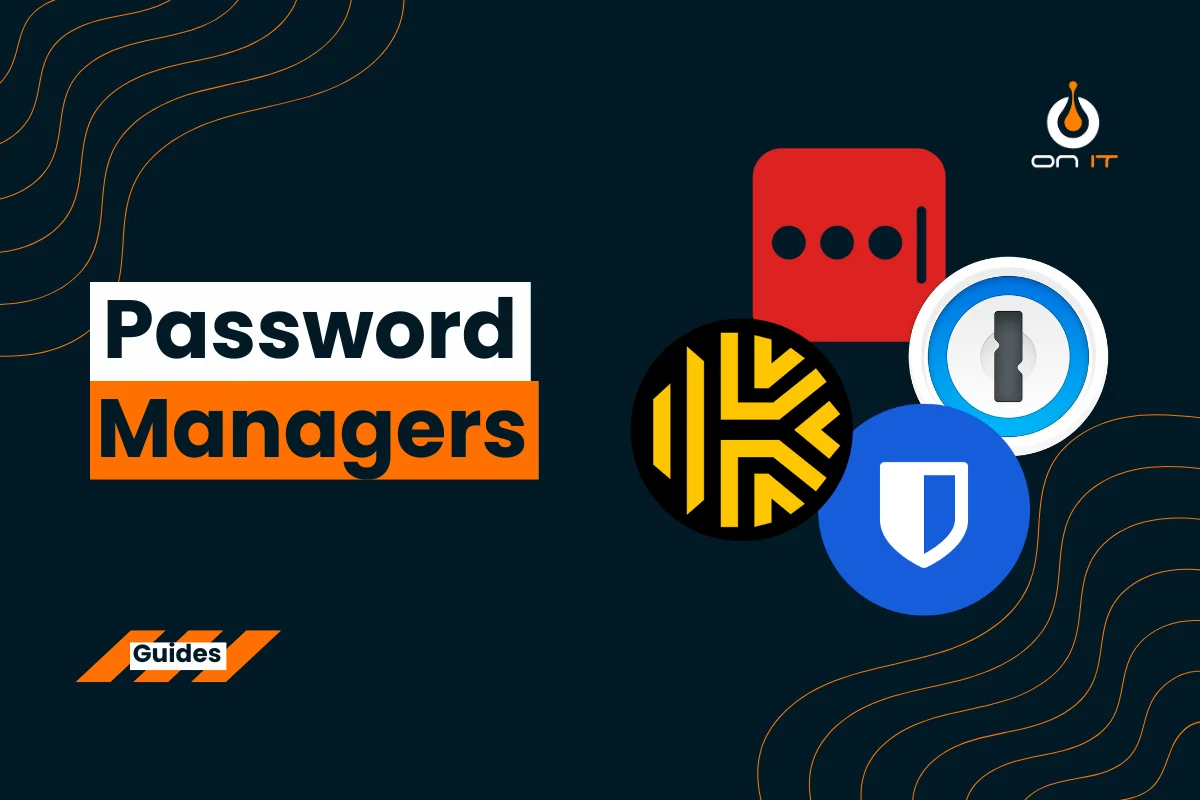
Business password managers such as 1Password, Bitwarden, Keeper and Dashlane all work in broadly the same way. Your vault is encrypted on your own device before it is ever sent to the provider's servers, using a key derived from your master password. The provider stores the encrypted vault but never has the key to open it.
This is often called a zero-knowledge design. It means that if an attacker breaks into the provider and steals vault data, what they get is scrambled. To read it, they still need each user's master password.
On top of that, a password manager:
- Generates long, random, unique passwords for every account, so one leaked password cannot be reused elsewhere.
- Only fills passwords into the real website it was saved for, which quietly protects staff from many phishing pages.
- Lets you share logins with colleagues without sending them by email or Teams.
What the LastPass breach taught us
In 2022, attackers broke into LastPass and stole backups of customer vault data. It is the best-known password manager breach, and it is a useful case study precisely because it shows both the strengths and the limits of the model.
The encrypted passwords themselves were protected by each customer's master password. Customers with long, unique master passwords were in a strong position. Customers with short or reused master passwords were at real risk, because attackers could take the stolen vaults offline and try to guess their way in at leisure. Some information, such as website addresses saved in the vault, was also less well protected than many users assumed.
Where the real risks are
In practice, password managers are rarely the weak point. The risks we see are almost always around them:
- A weak or reused master password. If it is guessable, or has been used on another site that was breached, the vault is only as strong as that.
- No MFA on the vault. Multi-factor authentication stops a stolen master password from being enough on its own.
- Malware on the device. If a laptop is infected with something that captures keystrokes or screen contents, it can capture the vault while it is open. Endpoint protection matters.
- Phishing for the master password. Fake login pages for the password manager itself are a growing trick. Staff should only ever unlock their vault through the app or browser extension, never from a link in an email.
- No offboarding. When someone leaves, their personal vault may still hold company passwords. A business plan lets you recover or remove that access in one step.
Want MFA, phishing protection and offboarding sorted across the business?
See identity protectionSetting up a password manager for your business
When we roll out a password manager for a client, these are the settings that make the difference:
- Use a business plan, not personal accounts. You get admin control, shared vaults, policy enforcement and a clean way to remove access when someone leaves.
- Enforce a strong master password. We recommend a passphrase of four or more random words. It is long, easy to remember and hard to guess.
- Require MFA for the vault. An authenticator app or a hardware security key, enforced by policy rather than left optional.
- Organise shared vaults by team. Finance logins go to finance. Nobody should have access to everything by default.
- Turn off browser password saving. Otherwise staff end up with passwords in two places, and the browser copy is harder to manage.
- Keep apps and extensions updated, ideally managed centrally so nobody is running an old version.
If your password manager provider is breached
If your provider announces a breach, do not panic, but do act:
- Read the provider's disclosure carefully to understand what was taken and whether vault data was included.
- Change your master password, and check MFA is switched on.
- If vault data was stolen, change the passwords for your most important accounts first: email, Microsoft 365, banking, payroll and any admin accounts.
- Watch for unusual sign-ins and password reset emails over the following weeks.
- If the provider has a pattern of incidents or handled disclosure poorly, plan a move to another one.
So, is a password manager worth it?
Yes. The honest comparison is not between a password manager and perfect security. It is between a password manager and what people do without one: the same password everywhere, a spreadsheet called "passwords", or sticky notes on the monitor. Against those, a properly configured business password manager is a large and immediate improvement.
Pair it with MFA on your Microsoft 365 accounts, good endpoint protection and a little phishing awareness training, and you have covered most of what attackers rely on. If you are working towards Cyber Essentials, it is a practical step towards the access control requirements too.